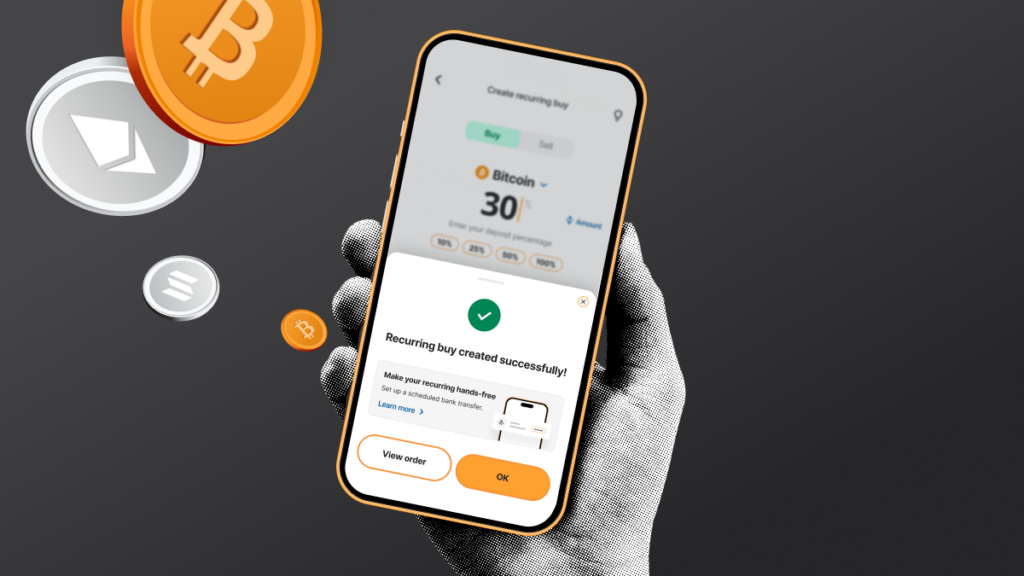
Recurring buy automates your crypto purchases on a schedule you set, right from the bitcoin.com.au mobile app. This guide covers setting one up, funding it, and pausing or cancelling it later.
Key takeaways
- Set up a recurring buy in the app
- Choose your crypto, amount and frequency: daily, weekly, fortnightly, monthly or last day of the month
- Pause or cancel at any time
- Use PayID, EFT bank transfer, PayPal or card to fund your recurring buy
What is a recurring buy?
Recurring buy invests a set amount into your chosen crypto at regular intervals, so you’re not trying to pick the right moment to buy. It’s built on dollar-cost averaging: a strategy where you invest the same amount on a fixed schedule, no matter what the price is doing, to smooth out the ups and downs over time.
Two ways to set up a recurring buy
bitcoin.com.au gives you two ways to structure a recurring buy: fixed amount and percentage of deposit.
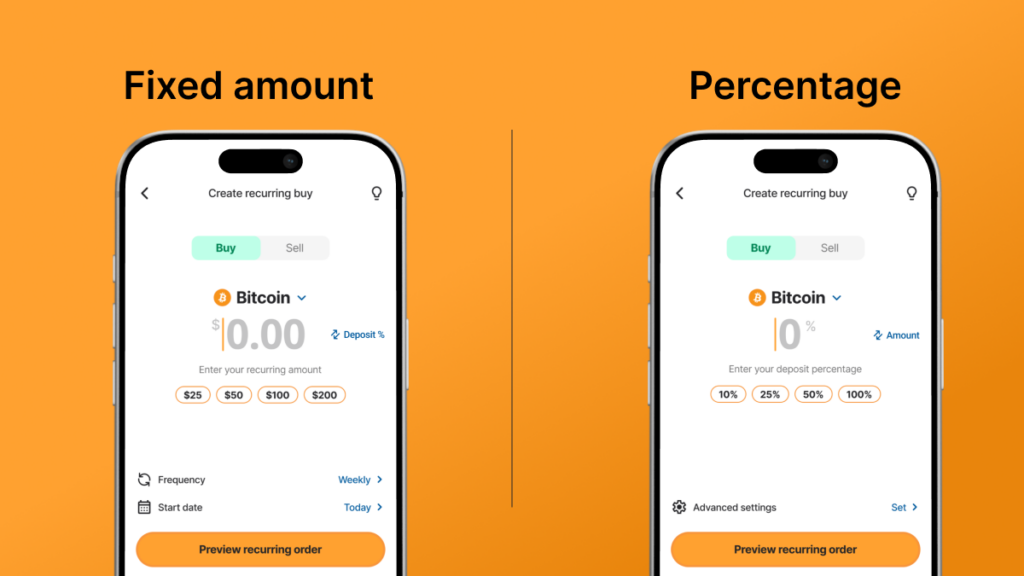
Fixed amount
Fixed amount invests the same dollar amount each cycle, regardless of how much is in your account. It’s the simplest way to dollar-cost average, and it works with any deposit method: credit card, debit card, EFT bank transfer, PayID, or PayPal.
Percentage
Use the percentage method to set a percentage of each deposit you make into your account, so the buy amount scales with your deposits. This method only works with bank transfer or PayID deposits, since it needs an actual incoming deposit to calculate the percentage from.
Choose the fixed-amount method to buy the same amount at your chosen schedule. Choose the percentage method if your deposit amounts vary and you want your recurring buy to scale automatically.
Fund your account before you start
Recurring buy checks your available balance at each scheduled cycle and buys with what’s there, so the funds need to land before the due date, not after.
The easiest way to stay ahead of it is to set up a matching recurring transfer from your bank:
- Log in to your bank’s app or online banking.
- Set up a transfer to your bitcoin.com.au PayID or bank account details. PayID is usually the fastest option.
- Choose your bank’s recurring or scheduled transfer option.
- Match the frequency to your recurring buy, for example, weekly if your recurring buy runs weekly.
- Build in a buffer so the transfer clears in time. PayID is typically instant, but EFT can take one to two business days, depending on your bank.
Not every bank treats transfers to crypto exchanges the same way. Some apply limits or short delays, so it’s worth checking our guide to crypto-friendly banks in Australia if you’re unsure.
How to set up a recurring buy on the app
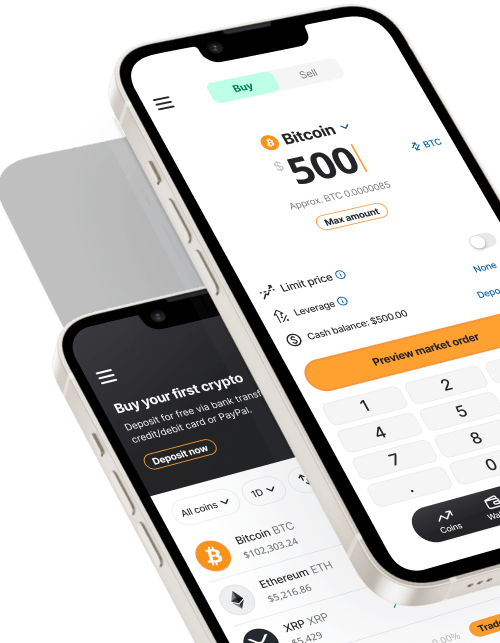
- Open the bitcoin.com.au app and log in to your account.
- Navigate to the side menu and tap on recurring orders
- Choose the crypto you want to buy.
- Enter the amount you want to invest each cycle.
- Select your frequency: daily, weekly, fortnightly, monthly or last day of the month.
- Review the details.
- Confirm to activate your recurring buy.
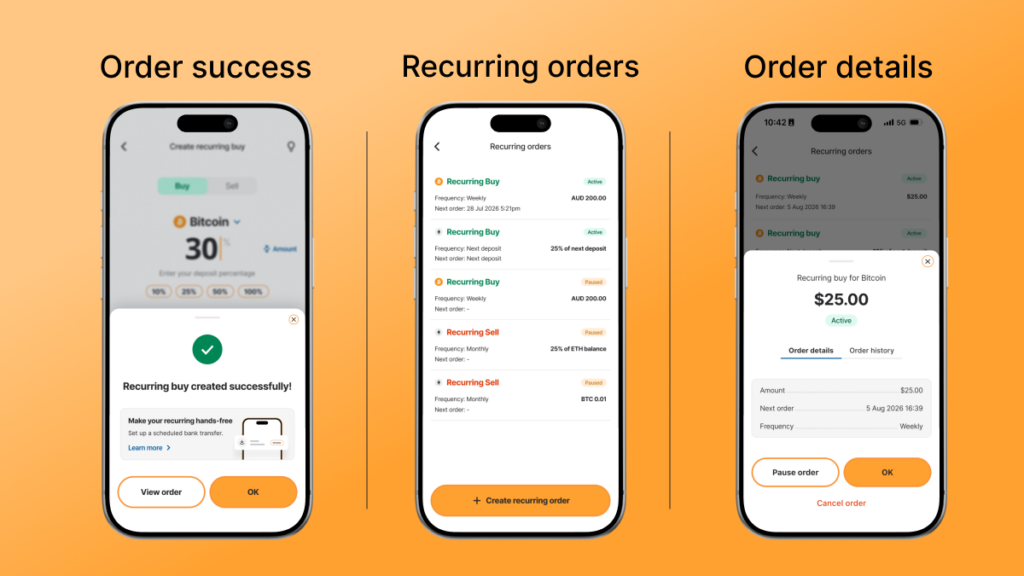
Once it’s live, your recurring buy runs automatically each cycle if there’s enough in your account. You’ll get an email confirmation when a cycle goes through. If your balance is too low on the day, that cycle is skipped and resumes once you’ve topped up.
Does recurring buy work the same on the app and the web portal?
Yes. Recurring buy works the same way on the app and web portal, and anything you set up on one shows up on the other.
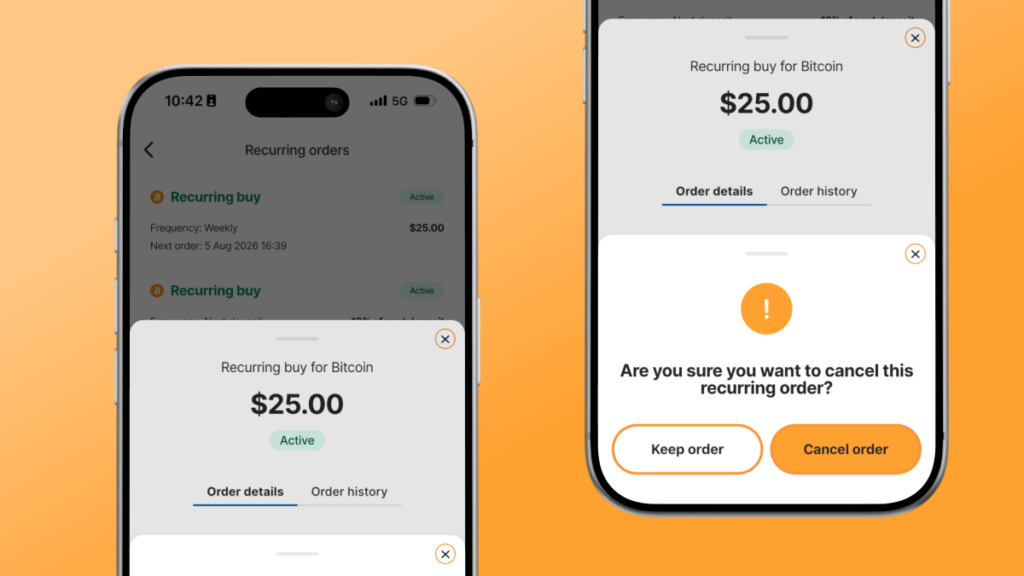
How to pause or cancel a recurring buy
- Go to the recurring orders screen.
- Select the recurring order you want to manage.
- Choose to pause or cancel it.
- Confirm your changes.
Ready to put your crypto investing on autopilot?